 Duration 2:03
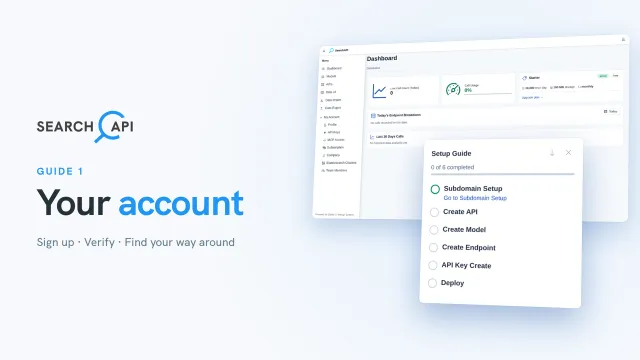
Guide 1
Create your account and take a first look
Sign up, confirm your email, sign in, and find your way around the dashboard, sidebar, Setup Guide and Profile.
Read the docs →Short video guides that build one SearchAPI project step by step, from a new account to a live API with data. Watch them in order, or jump to the topic you need. Each guide links to its documentation page.
Duration 2:03
Guide 1
Sign up, confirm your email, sign in, and find your way around the dashboard, sidebar, Setup Guide and Profile.
Read the docs →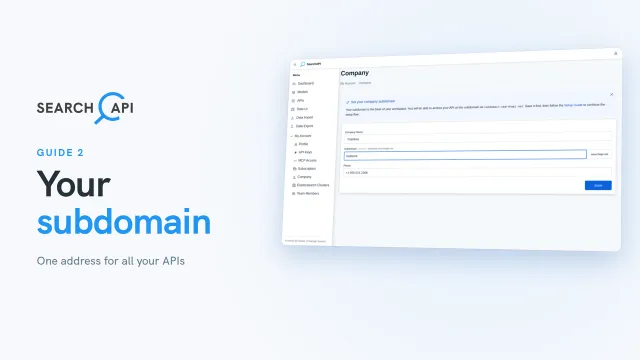 Duration 1:14
Guide 2
Pick the subdomain that every API URL uses, check it against the rules, and confirm it, since it cannot change.
Read the docs →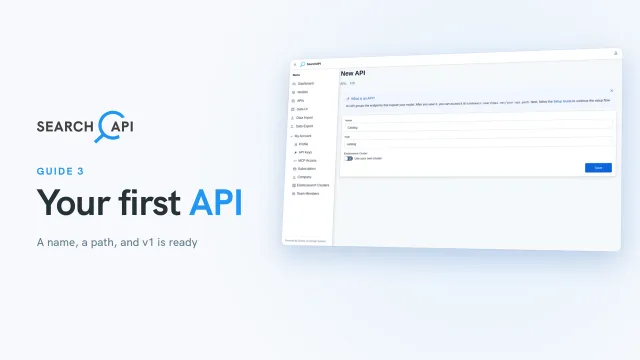 Duration 1:51
Guide 3
Create an API with a name and path, choose where its data is hosted, and find its first version, v1.
Read the docs →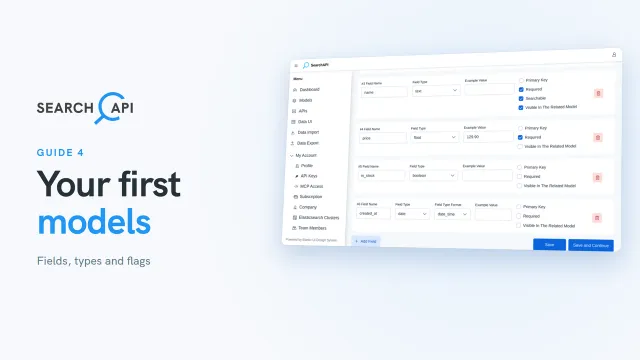 Duration 3:38
Guide 4
Create the brand and product models: primary keys, field types, field flags and date formats.
Read the docs →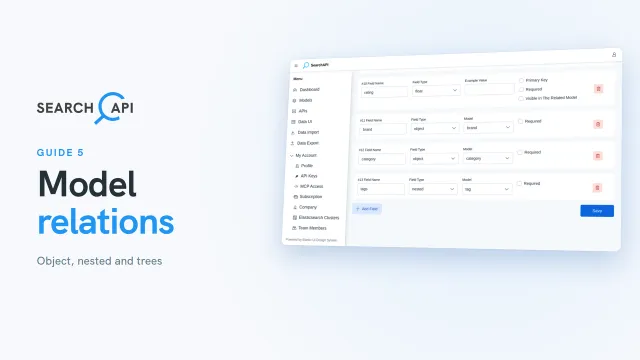 Duration 3:36
Guide 5
Link products to brands, categories and tags with object and nested fields, and build a category tree.
Read the docs →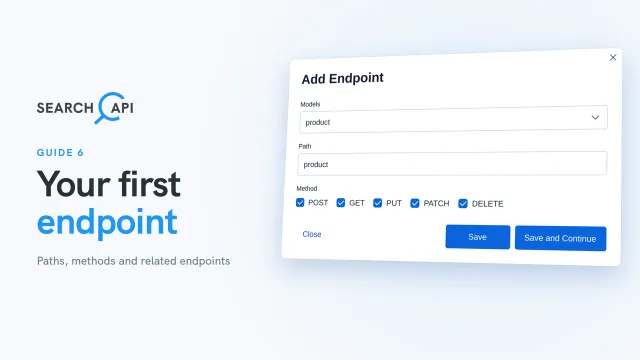 Duration 1:53
Guide 6
Give the product model a URL, choose its methods, and see the endpoints created for related models.
Read the docs →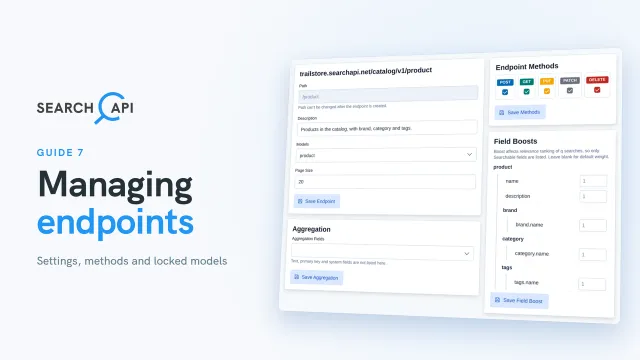 Duration 2:15
Guide 7
Review endpoint fields and mappings, edit endpoint settings and methods, and see why models become locked.
Read the docs →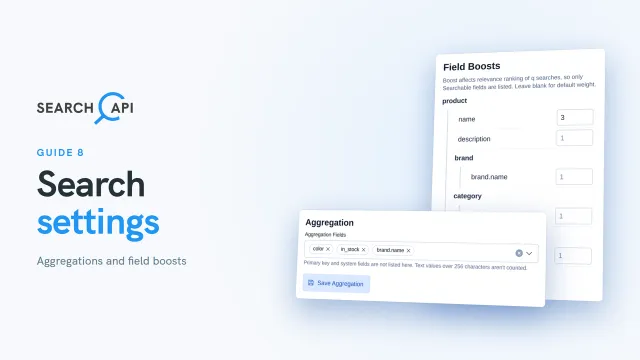 Duration 2:14
Guide 8
Add aggregations that count values, boost fields to rank search results, and find aggs_fields in the mappings.
Read the docs →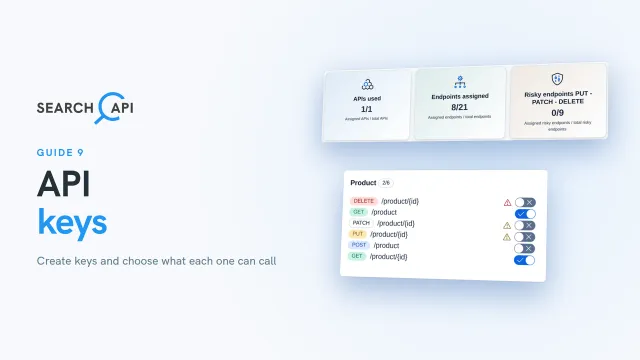 Duration 2:59
Guide 9
Create a read-only key and a write key, and choose which endpoints and versions each key can call.
Read the docs →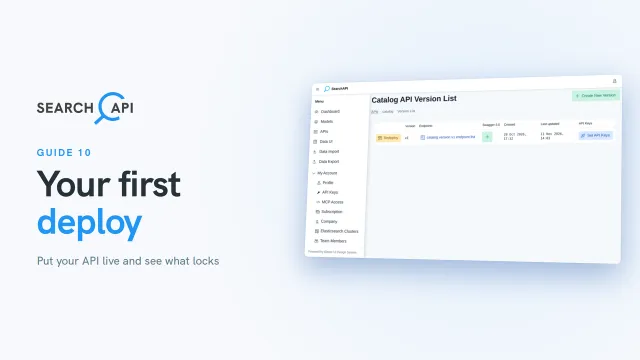 Duration 1:56
Guide 10
Deploy the first version, see what locks once it is live, and recover a deleted API.
Read the docs →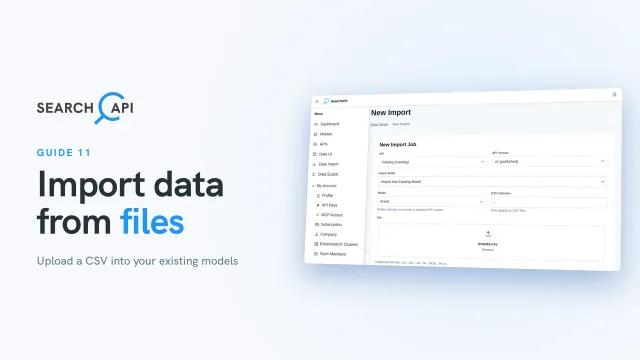 Duration 3:30
Guide 11
Import brands, tags and categories from files: modes, delimiter, column mapping, ids and job progress.
Read the docs →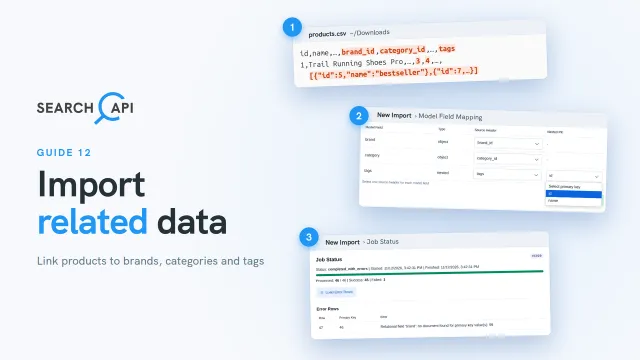 Duration 3:11
Guide 12
Import products linked to brands, categories and tags, and review rows that failed in the job details.
Read the docs →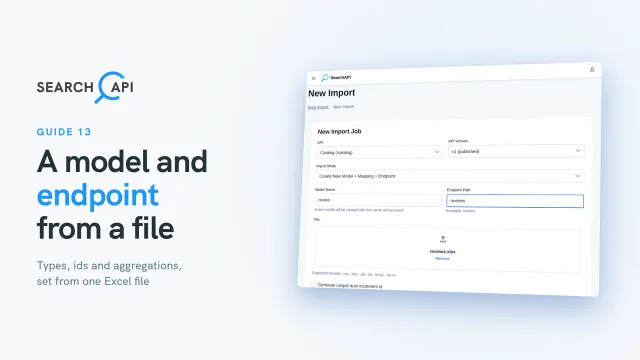 Duration 2:47
Guide 13
Let an Excel file create a model and its endpoint: detected types, a generated id and aggregation fields.
Read the docs →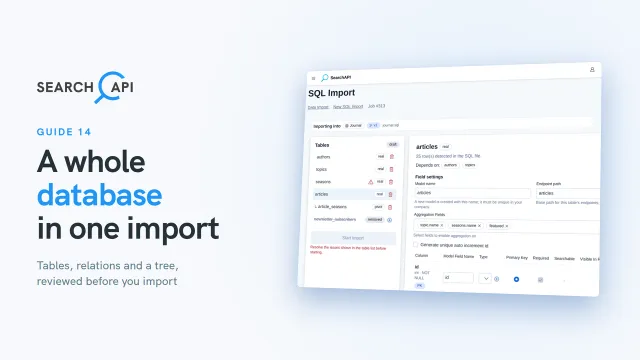 Duration 3:37
Guide 14
Upload a MySQL dump and review its tables, relations, pivot tables, trees, types and aggregations as a draft.
Read the docs →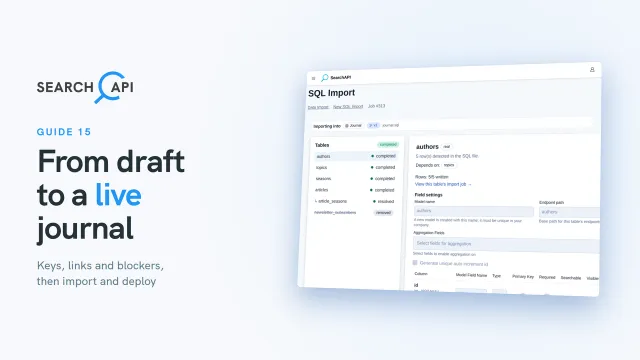 Duration 2:52
Guide 15
Resolve primary keys, manual relations and blockers, start the import, check failed rows and deploy.
Read the docs →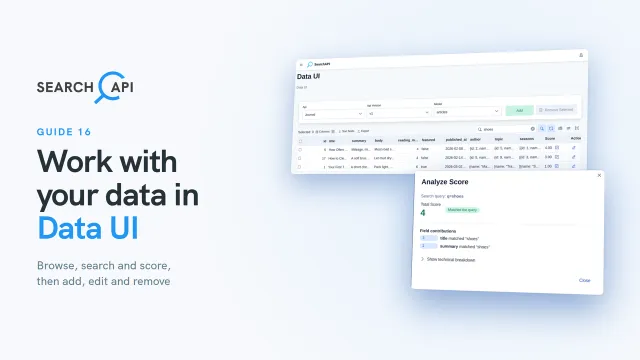 Duration 5:38
Guide 16
Browse and search records in Data UI, read relevance scores, and add, edit and remove records.
Read the docs →