Guide 10: Deploy your API and recover a deleted one
Deploy the first version, see what locks once it is live, and recover a deleted API.
Chapters
Transcript
Show the transcript
Welcome back. In this guide, you'll deploy your API, and see what changes once it's live.
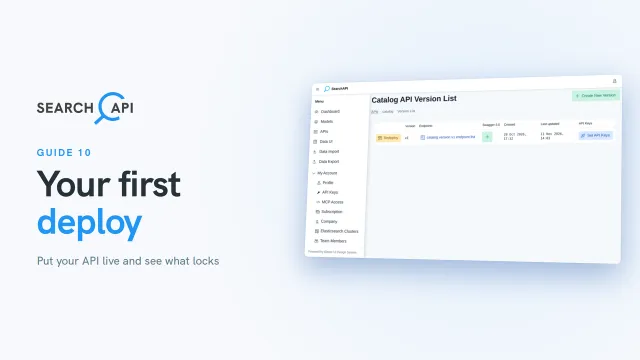
The last setup step is deploy. It takes you to the version list of your API. Each row is a version, and v1 is the one you've been building. Click Deploy. SearchAPI creates a search index for each model. When it's done, v1 is live.
The button now says Redeploy, and the setup guide is complete. Your index is live, but empty. You'll add data in a later guide. What about API keys? From now on, they don't need a redeploy. When you change which endpoints a key can call, it applies as soon as you save.
Once a version is deployed, most of its settings can't change. Let's see what that means. First, the API's edit page. The API is locked, so its name and path stay as they are. Next, the product endpoint. Its description, model, page size and aggregation fields are locked too. Methods and field boosts stay open. If you add a method to a live version, you can give it a key right away, but the method only goes live after you redeploy. For any other change, create a new version. You'll see how in a later guide.
Let's go back to the API list. Each API has a delete button here. Deleting a live API isn't final. Whether it was a mistake, or you change your mind a few days later, you can bring it back. Try it now. Delete it, and confirm. The row shows how many days you have left. Click Recover, and confirm. The API is back, with its versions, endpoints, keys and data, and it's live again.
That's your first deploy. Your API is out there now, and you know what changes once it's live. But its index is still empty. In the next guide, you'll import your data from a CSV file.
Related documentation
Read the details behind this guide on the documentation page.