Guide 13: Create a model and endpoint from an Excel file
Let an Excel file create a model and its endpoint: detected types, a generated id and aggregation fields.
Chapters
Transcript
Show the transcript
Welcome back. So far, you imported into models you'd already built. This time, the file itself creates the model, and its endpoint.
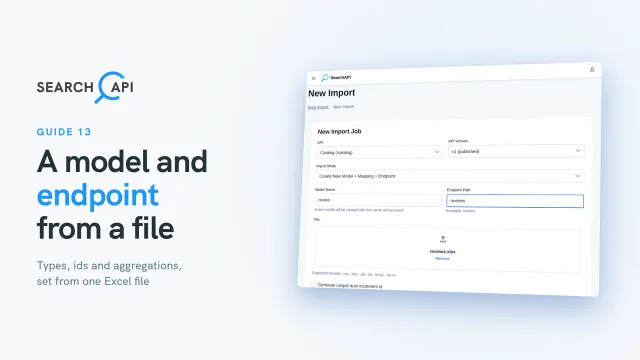
To start, click New CSV/XLSX Import, and choose Create New Model + Mapping + Endpoint. Name the model review, and give it an endpoint path. Our file is an Excel file, with customer reviews of our products. There's no id column. Each review holds a product id, an order number, a rating, a date, and whether the purchase was verified, written as true or false. Close it, then upload the file.
Since there's no id column, tick Generate unique auto increment id. The new column is named id. Below, every column becomes a field. SearchAPI reads your file, and guesses each field's type: rating is an integer, verified purchase is a boolean, and the review date is a datetime. You can change any guess. The order number is a code, not prose, so make it a keyword. The product id links each review to a product. Rename the field to product, set its type to object, and pick product as its related model.
Below the fields, there's one more setting: Aggregation Fields. When you import into an existing model, you don't see it. Those settings live on the model's endpoint, and the import leaves them as they are. A new model gets a new endpoint, so you pick its aggregation fields right here. Pick rating and verified purchase, so shoppers can filter reviews by both. Click Start Import. If a row fails, you'll see it just like before.
Once it's done, let's see what the import created. Click Models. The review model is here, with all its fields. Now click APIs, then Endpoint List. SearchAPI also created the review endpoints, to list, read, create, update and delete reviews. Click Edit. The aggregation fields you picked are already set. And since this version is already deployed, the new endpoints are live right away. There's no need to redeploy. Just give an API key access to them, like before.
Finally, let's look at the reviews in Data UI. Choose your API, its version, and the review model. Each review got its own id, numbered for you, and holds its product, with its name. Your catalog now has reviews, with their own endpoint. In the next guide, you'll import a whole database at once, with SQL Import.
Related documentation
Read the details behind this guide on the documentation page.