Account & Registration
Create your SearchAPI account to start building and managing your APIs.
Overview
A SearchAPI account gives you access to the dashboard where you can manage your Elasticsearch clusters, APIs, models, endpoints, and API keys. Registration is free and takes less than a minute.
Creating an Account
To create a new account, follow these steps:
Go to the registration page
Navigate to the registration page or click the Register to App button on the top right of any page.
Fill in your details
Complete the required fields on the registration form:
- Email — your login email address
- Company Name — your company or organisation
- Phone — contact phone number
- First Name & Surname
- Password — at least 6 characters
- Agree to Terms
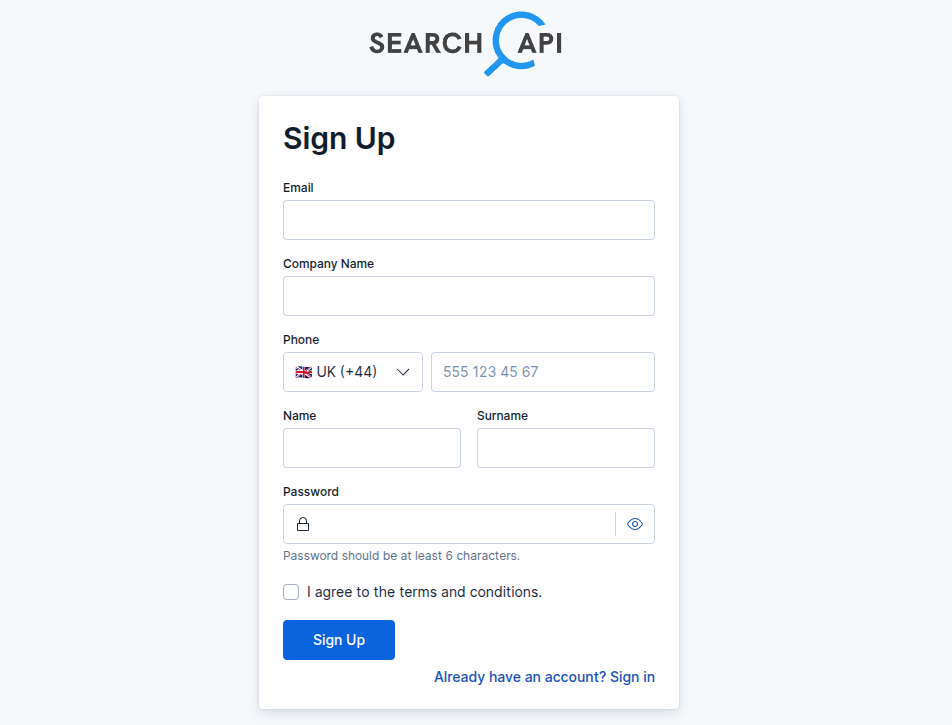 Registration form screenshot
Confirm your email
A confirmation email will be sent to your address. Click the link inside to activate your account.
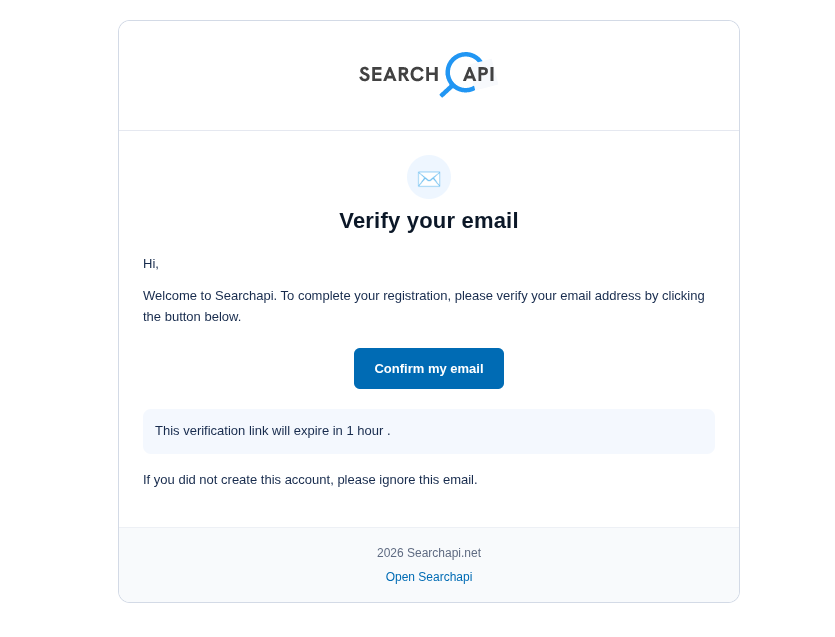 Confirmation email screenshot
Logging In
Once you click the confirmation link in your email, your account will be automatically verified and you will be redirected to the login page. You will see a confirmation success notification. Enter your email and password to access your dashboard.
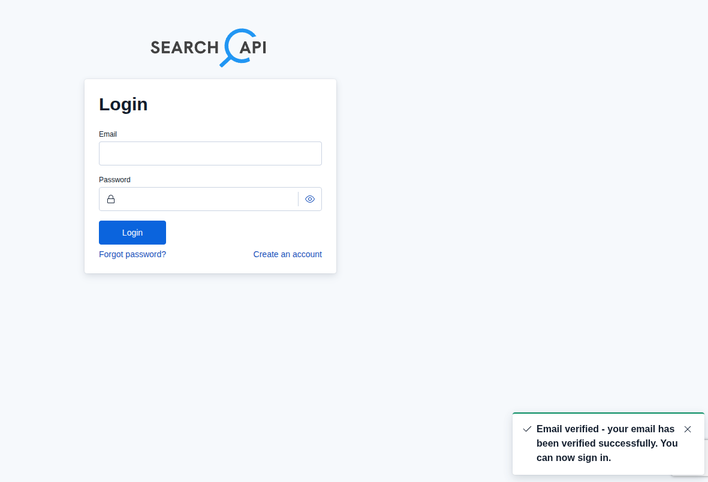 Login page screenshot