Guide 1: Create your account and take a first look
Sign up, confirm your email, sign in, and find your way around the dashboard, sidebar, Setup Guide and Profile.
Chapters
Transcript
Show the transcript
Welcome to the SearchAPI guides. In this first one: creating your account, and a quick look around.
Go to searchapi.net and click Start free trial. Registration is free. First, your email. It's also your login. Then your company name, and a phone number. Now your first name and surname. Pick a password, at least six characters. Agree to the terms, and sign up.
Next, check your inbox. Then click the confirmation link. Your email is verified, and you can sign in.
Sign in with the email you signed up with. Then your password, and click Login. And you land on your dashboard.
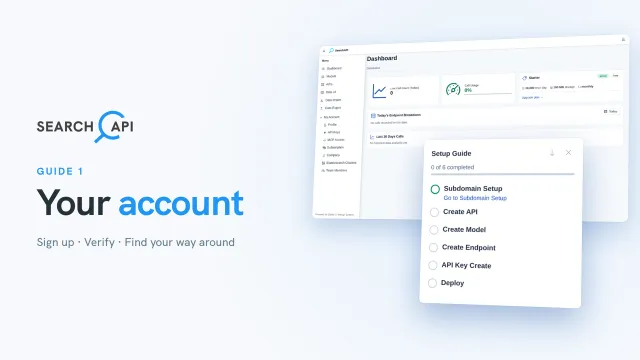
Here you see today's API calls, how much of your plan's daily limit they use, and your current plan. New accounts start on the free Starter plan. Once your API gets traffic, it shows up here, per endpoint, and over the last thirty days.
And… on the left: your models and APIs, then your data. Browse it, import it, export it. We'll go through each of these in detail in the next guides. Under My Account, you manage your account itself: things like your profile, API keys, subscription, and more.
Now, what's this in the corner? That's the Setup Guide. Six steps take you from an empty account to a live API, one after the other. Each step unlocks when the one before it is done, and links straight to the right page. You can minimize it, or close it. The Setup guide button at the top always brings it back.
Finally, let's take a quick look at your own details. They're under Profile. Change your name or your password here. Your email stays as it is.
Alright, that's it for this guide. In the next one, we follow the first step: choosing your subdomain.
Related documentation
Read the details behind this guide on the documentation page.