Guide 8: Aggregations and field boosts
Add aggregations that count values, boost fields to rank search results, and find aggs_fields in the mappings.
Chapters
Transcript
Show the transcript
Welcome back. In this guide, you'll add aggregations and field boosts to your product endpoint.
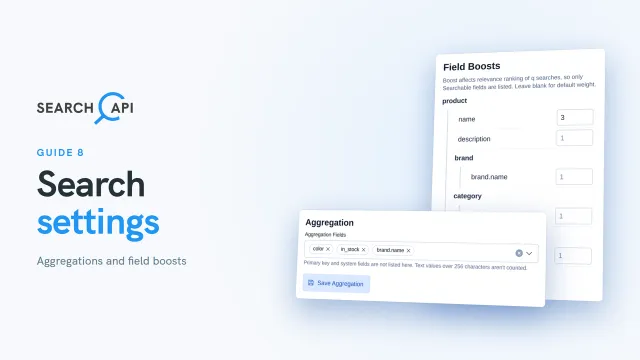
Let's open the product group again. Aggregation sits on the left, under the endpoint settings. It adds counts to your list responses. For each field you pick, you get its values, and how many products have each one. That's what powers filters in a shop, like color or brand. Let's open the list. The primary key and system fields aren't here. Pick color, and in stock. Fields from related models come with the relation's name in front. Only the ones marked Visible In The Related Model are listed, because only those are stored with the product. Let's add brand dot name. For these, each value also carries the brand's id, so your app can show the name and filter by the id. Save Aggregation.
Now, on the right: Field Boosts. When someone searches with q, a match counts the same in every field. A boost makes one field count more. Only searchable fields are listed. Product's own fields first, then the ones from related models. Let's give name a boost of three. Now a match in the name counts three times as much as a match in the description. Leave the rest blank to keep the default weight. Save Field Boost. Boosts only matter when results are ranked by relevance. If a request also sets a sort, like sort by price, the sort decides the order, and boosts are ignored. Keep in mind: once you deploy, aggregations lock. Boosts stay editable, and take effect right away.
Let's go back to the endpoint list, and open Mappings again. At the bottom, there's something new: aggs fields. Brand dot name gets its own spot in the index, so it can be counted. Color and in stock don't need one. They're counted straight from the product's own fields. The rest of this mapping comes from the model. Aggs fields belongs to this version, so a later version can add or remove aggregations.
So your product endpoint can count, and rank. In the next guide, you'll create API keys, and decide who can call your endpoints.
Related documentation
Read the details behind this guide on the documentation page.