Profile
Update your personal details and change your password.
Edit your profile
- In the sidebar, go to My Account → Profile.
-
Update the fields:
- Email — your login email address (read-only)
- Name — your first name (required)
- Surname — your last name (required)
- Password — leave blank to keep your current password; minimum 6 characters if changing
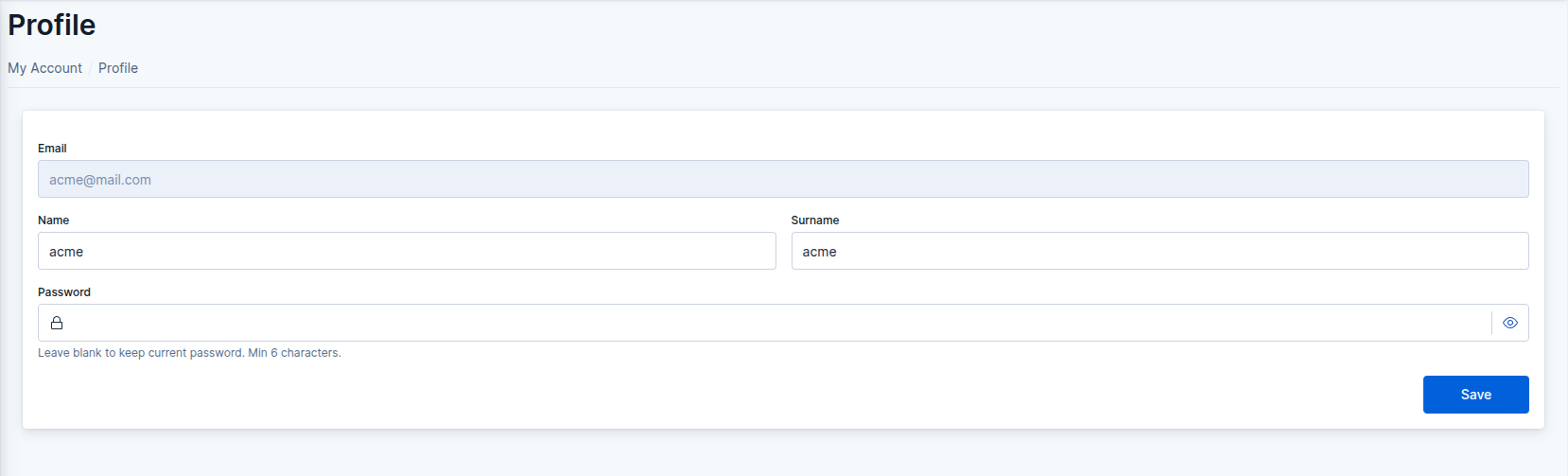 Profile form
- Click Save to apply your changes.
Last updated: October 30, 2026